The Slow Design Toolkit: Which Apps Actually Master Colour, Texture, and Curves?
A comprehensive comparison of the top interior design software for 2026. Find the perfect tool for your "Slow Design" goals.
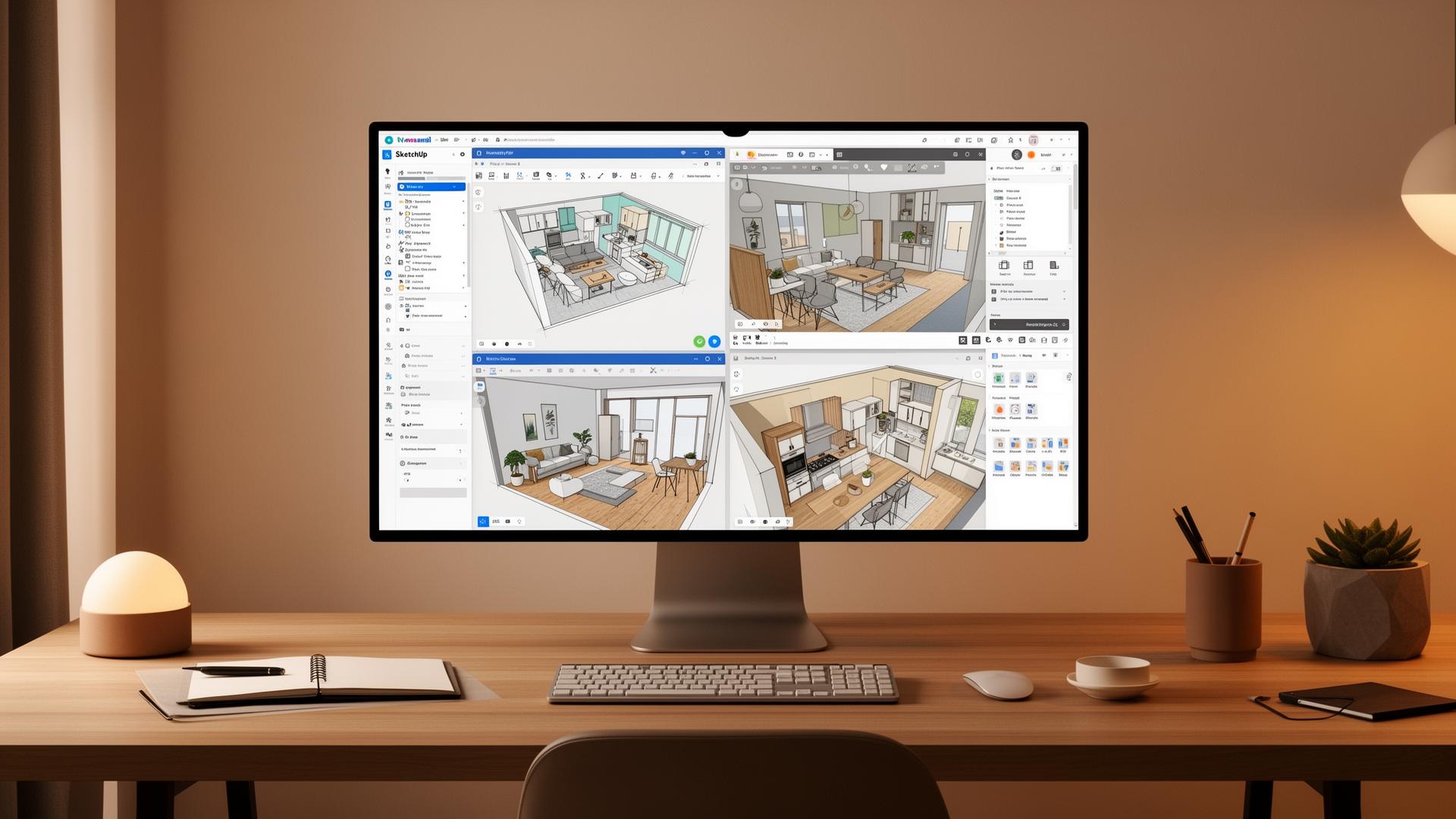
Choosing the right interior design software in 2026 isn't just about features—it's about finding a tool that matches your creative philosophy. Whether you're embracing the "Slow Design" movement or chasing photorealistic renders, this matrix will help you make an informed decision.
We've compared four leading platforms across the capabilities that matter most: colour drenching, curved details, material textures, and overall usability.
The Complete Comparison Matrix
This table provides a quick, scannable reference for readers to see which tool matches their specific "Slow Design" goals.
| Feature Goal | Foyr Neo | SketchUp Pro | Homestyler | HomeByMe |
|---|---|---|---|---|
| Best For | Real-time photorealism & lighting | Custom architecture & millwork | Massive material libraries & 4K renders | Beginners & quick layout testing |
| Colour Drenching | Excellent: Handles complex light bounce | Good: Needs plugins (V-Ray/Enscape) for realism | Very Good: High saturation accuracy | Moderate: Best with branded paint tools |
| Curved Details | Moderate: Limited to catalog shapes | Best: Total freedom for custom geometry | Moderate: Good for furniture, hard for walls | Basic: Strictly for standard floor plans |
| Material Texture | High Fidelity: 50,000+ realistic models | Variable: Depends on user-imported textures | Industry Leading: 4K textures from real brands | Good: Simple, clean, but less "tactile" |
| Ease of Use | Moderate (Web-based) | Steep (requires practice) | Easy (drag-and-drop) | Very Easy (browser-based) |
Colour Drenching Capabilities
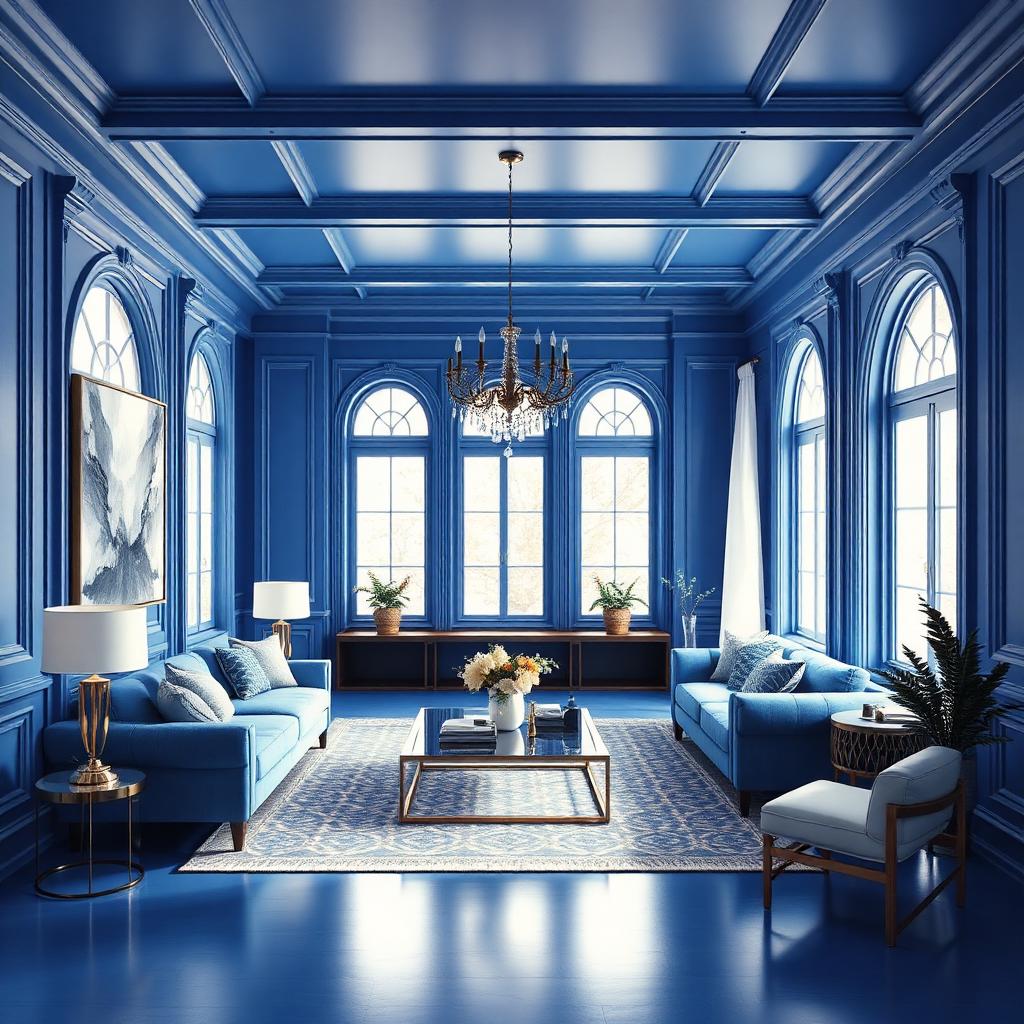
Colour drenching—painting walls, ceiling, trim, and doors in a single saturated hue—requires software that can handle complex light bounce and colour reflection accurately.
Top Performers:
- Foyr Neo: Excels at rendering how deep colours interact with natural and artificial light
- Homestyler: High saturation accuracy with realistic colour representation
Curved & Sculptural Details
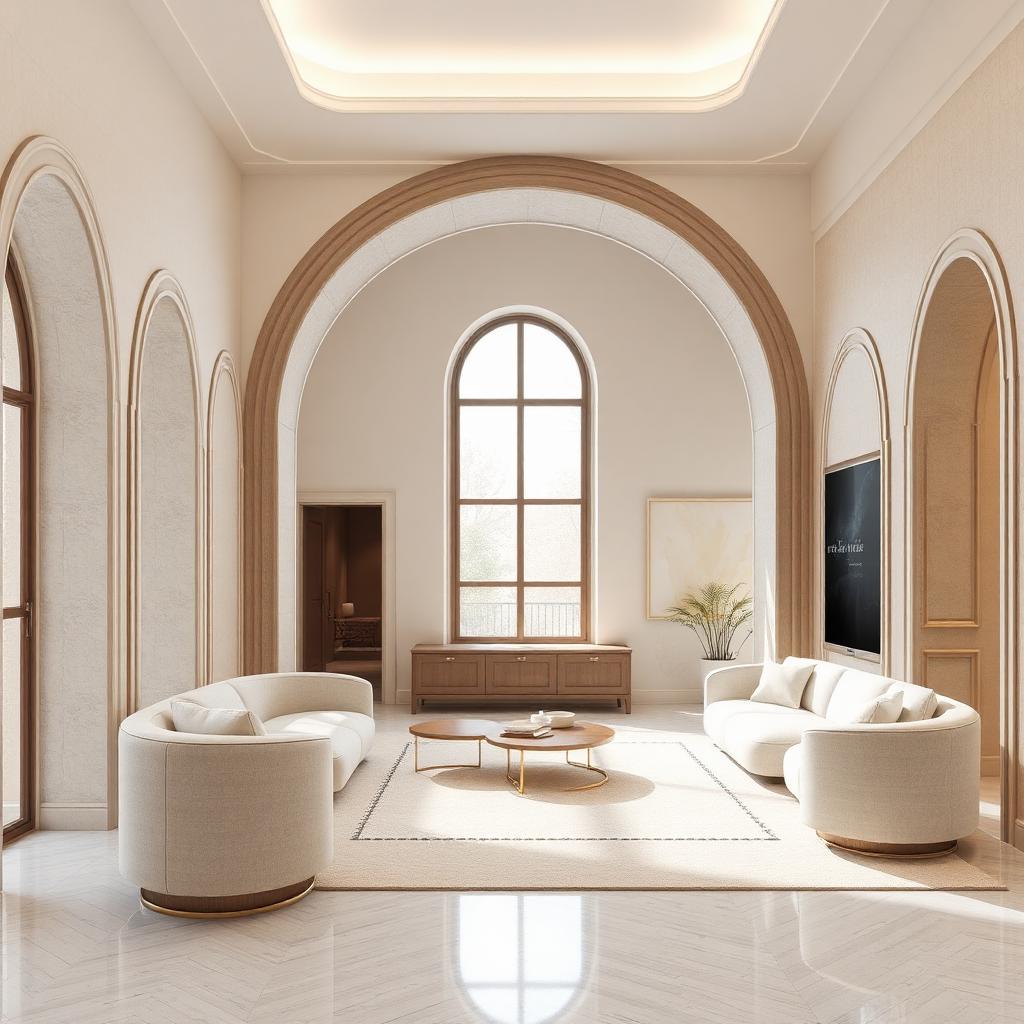
The 2026 design trend of curved furniture and arched doorways requires software that can model custom organic shapes with precision.
The Clear Winner:
- SketchUp Pro: Offers total freedom for custom geometry—essential for bespoke millwork and architectural curves
Limitations:
HomeByMe is limited to standard floor plans, while Foyr Neo and Homestyler work well with catalog furniture but struggle with custom wall curves.
Material Texture Fidelity
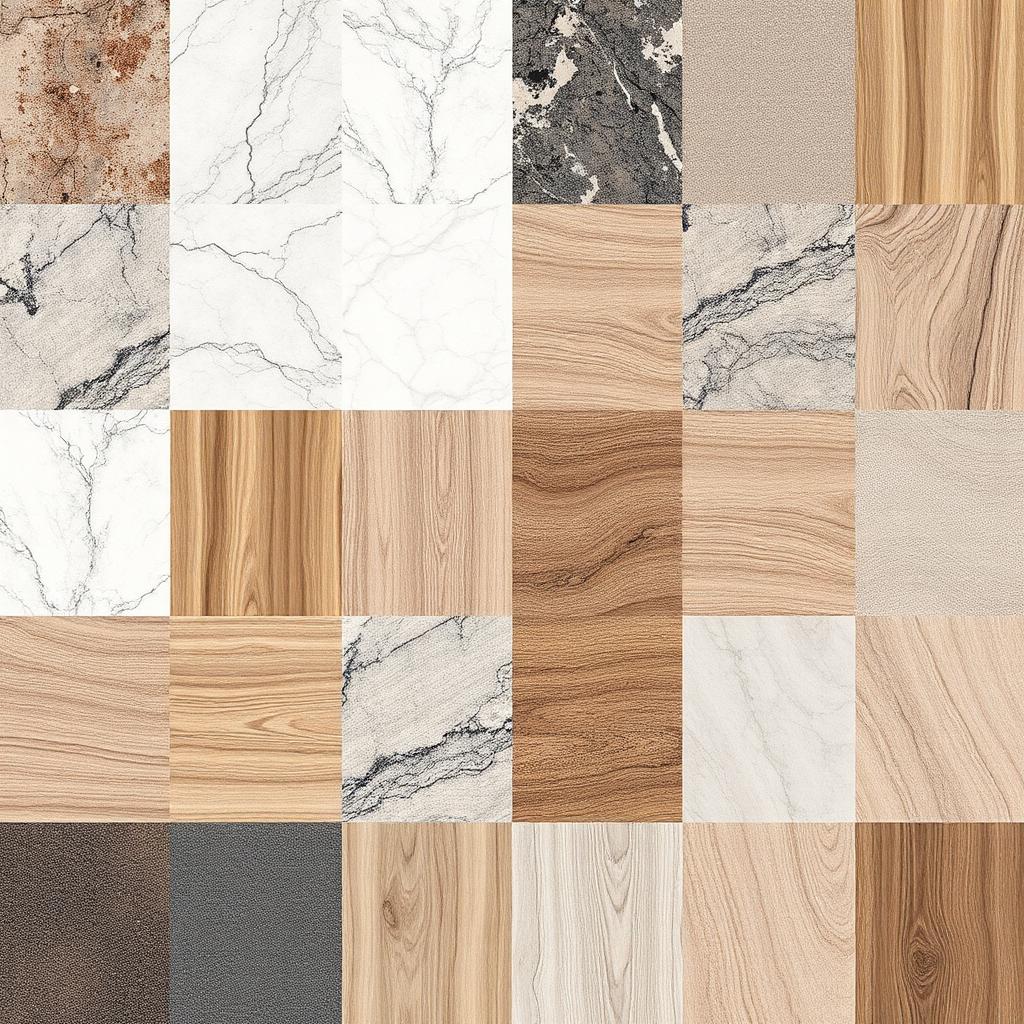
Realistic material textures are the difference between a render that looks "digital" and one that feels like a photograph. The "tactile" quality of materials—how marble veins catch light, how wood grain varies—defines professional output.
Texture Champions:
- Homestyler: Industry-leading 4K textures from real brands
- Foyr Neo: 50,000+ high-fidelity realistic models
Pro-Tip for the "Slow Design" Enthusiast
If you find yourself stuck between two tools, remember the analogue-digital bridge. Use a tool like Morpholio Board to layer your "sensory" materials (mood boarding) before committing to a 3D render.
It ensures the feeling of the space—that "emotional relevance" we talked about—isn't lost in the technical settings.
Final Thoughts: Software is a Means to an End
The most beautiful spaces aren't designed by buttons, but by the "scenographic sense" you bring to the screen. Each of these tools has its strengths:
- • Foyr Neo for lighting perfectionists
- • SketchUp Pro for architectural freedom
- • Homestyler for material-focused designers
- • HomeByMe for quick iterations and beginners
Ready to explore these tools? Check out our detailed reviews and find the perfect match for your design workflow.
Get Weekly Design Insights
Join 5,000+ designers and homeowners receiving our curated picks of the best AI design tools, trends, and tips every week.
No spam. Unsubscribe anytime.